For Employers
Hiring is now in your hands.
Shougl connects you directly with the workers and staff you need. No middlemen, no endless searching.

Every time you need to hire for your business — a driver, worker, waiter, or admin staff — you find yourself stuck in the same struggle:
- You don't know where to find the right people
- You search everywhere, ask around, and lose time and patience
- Every candidate that reaches you costs more than expected
- And even when you find someone, you're not sure you can really rely on them

With Shougl you can reach hundreds of workers and staff in your field.

Ready to start hiring?
Create your business account, post your job, and pick from the applicants who fit — no middlemen, no hassle.
Frequently asked questions
What do I need in order to post a job?
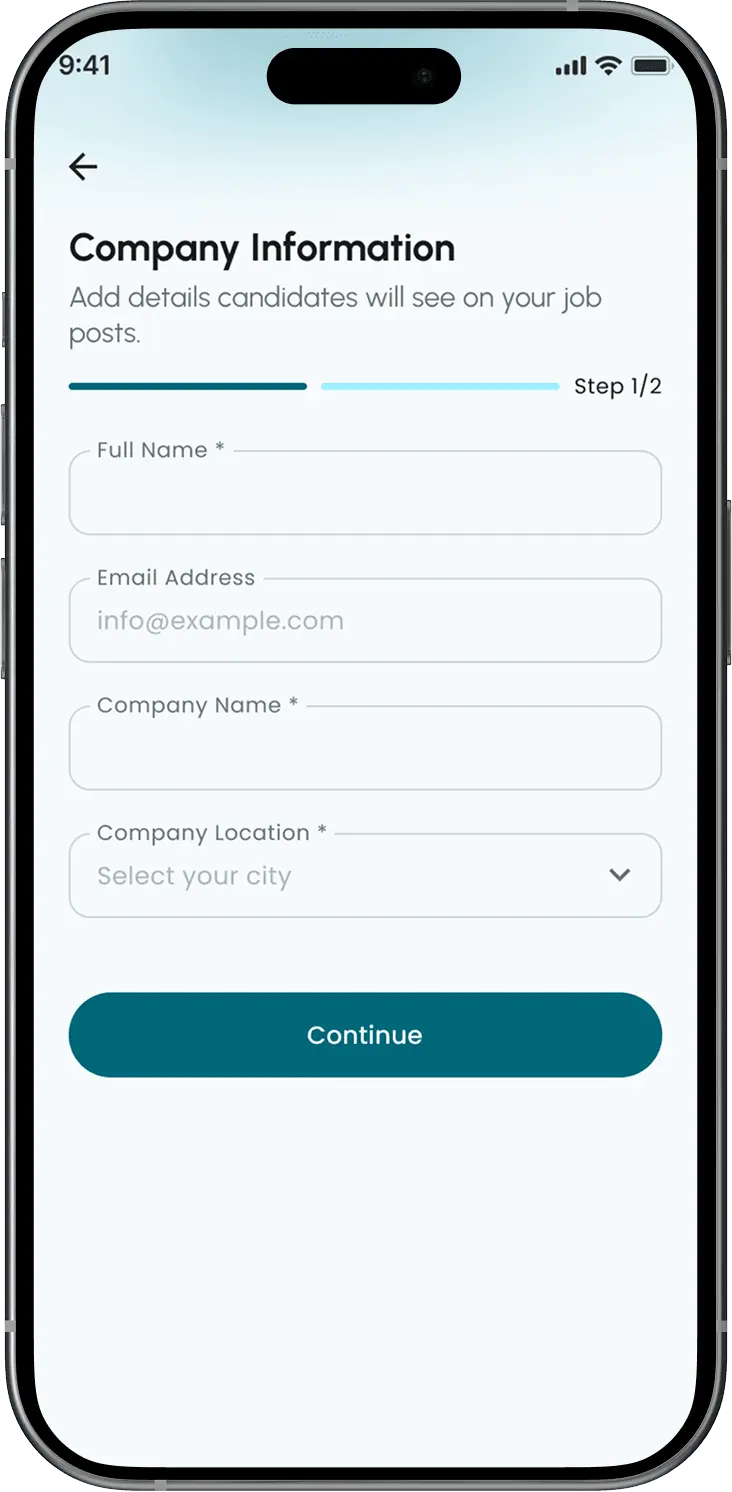
Sign up and add your business details, and you're ready to post. If you register during the launch offer, two free ad credits are added to your account. Once the offer ends, top up your ad credits by choosing the plan that suits you.
What information do I need to put in the ad?
You specify the job title, the city and district, the type of shift, how many staff you need, preferred nationality, experience, education level, language, gender, the start date, the salary and benefits, and the job description.
Can I edit an ad after publishing it?
Yes. You can open the ad in the Shougl app, edit its details, and save your changes for as long as the ad is live — 45 days from the date you published it.
How do I see applicants and get in touch with them?
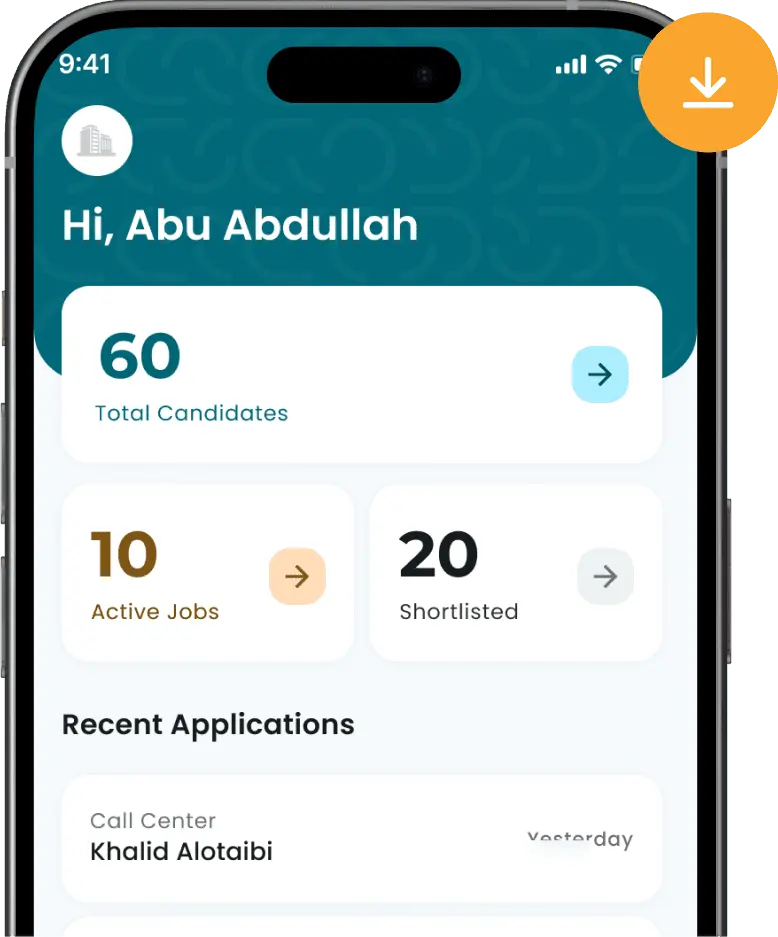
From the dashboard inside the Shougl for Business app you can see your jobs, how many applicants each one has, and how many you have shortlisted. Open any job to review and filter applicants. From each applicant's profile you can see their phone number and call them or reach them on WhatsApp. Viewing applicants and contacting them is available in the app only.
What do I do if nobody applies to my job?
You can edit the job's requirements and benefits to make them more attractive to applicants in your field. You can also verify your business on Shougl so applicants trust your ads more.
Can I use Shougl from the website, or do I have to download the app?
You can post your jobs from the website. But to see applicants, filter their profiles, and see their contact details, you need to download the Shougl for Business app. The full experience is available in the app.
Hire faster with the Shougl app
Create your business account, post jobs, and pick the applicants that fit your work.